Skip to content

How Beauties works

Four things in one place: your page, bookings, confirmation and your day by the hour. Every picture below is a real screenshot from the app.

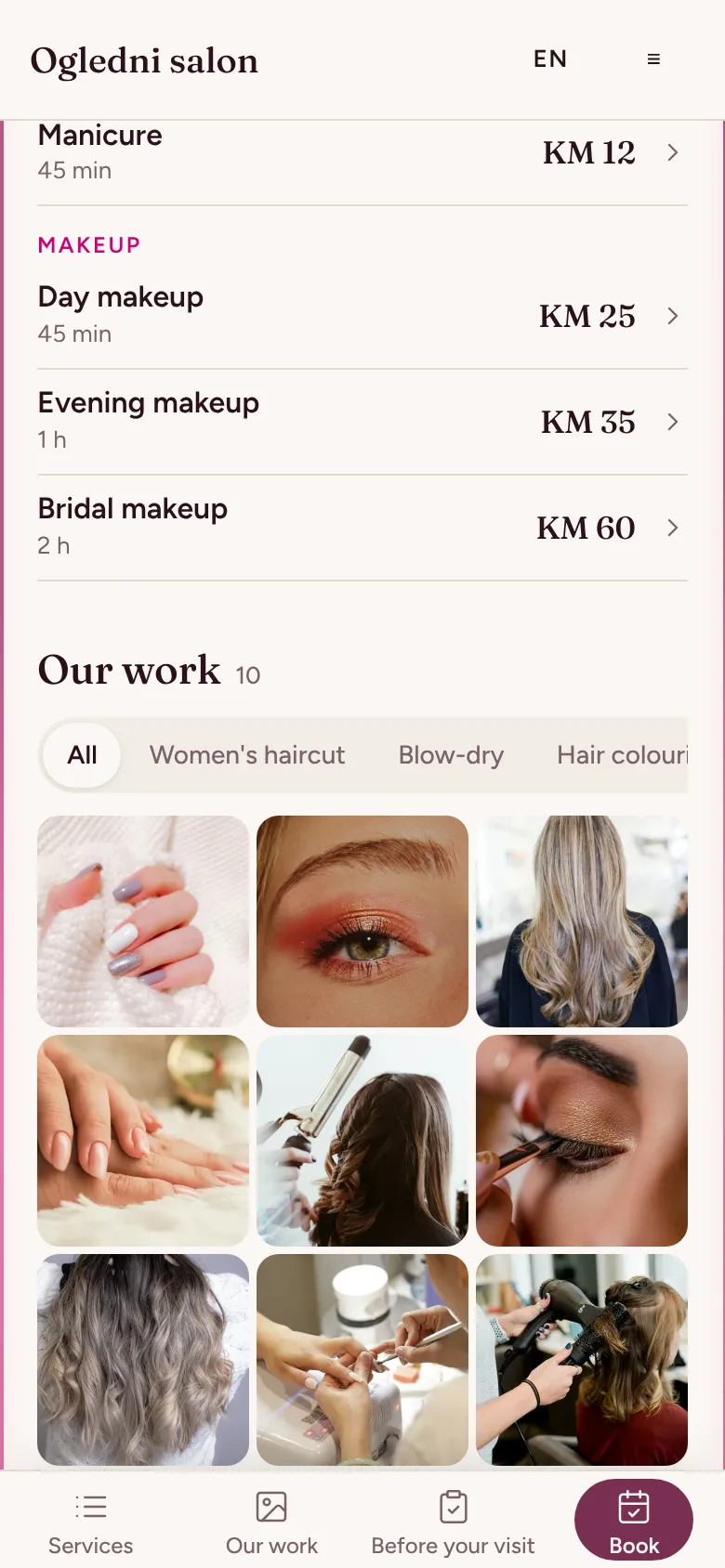
Make your page

Add photos of your work, your name and address. Then add your services, prices and opening hours. Before you create it, you see the page exactly as clients see it.

Bookings are offered once you have at least one service with a price, your opening hours and a phone number.
Make your page
A real screenshot from the app

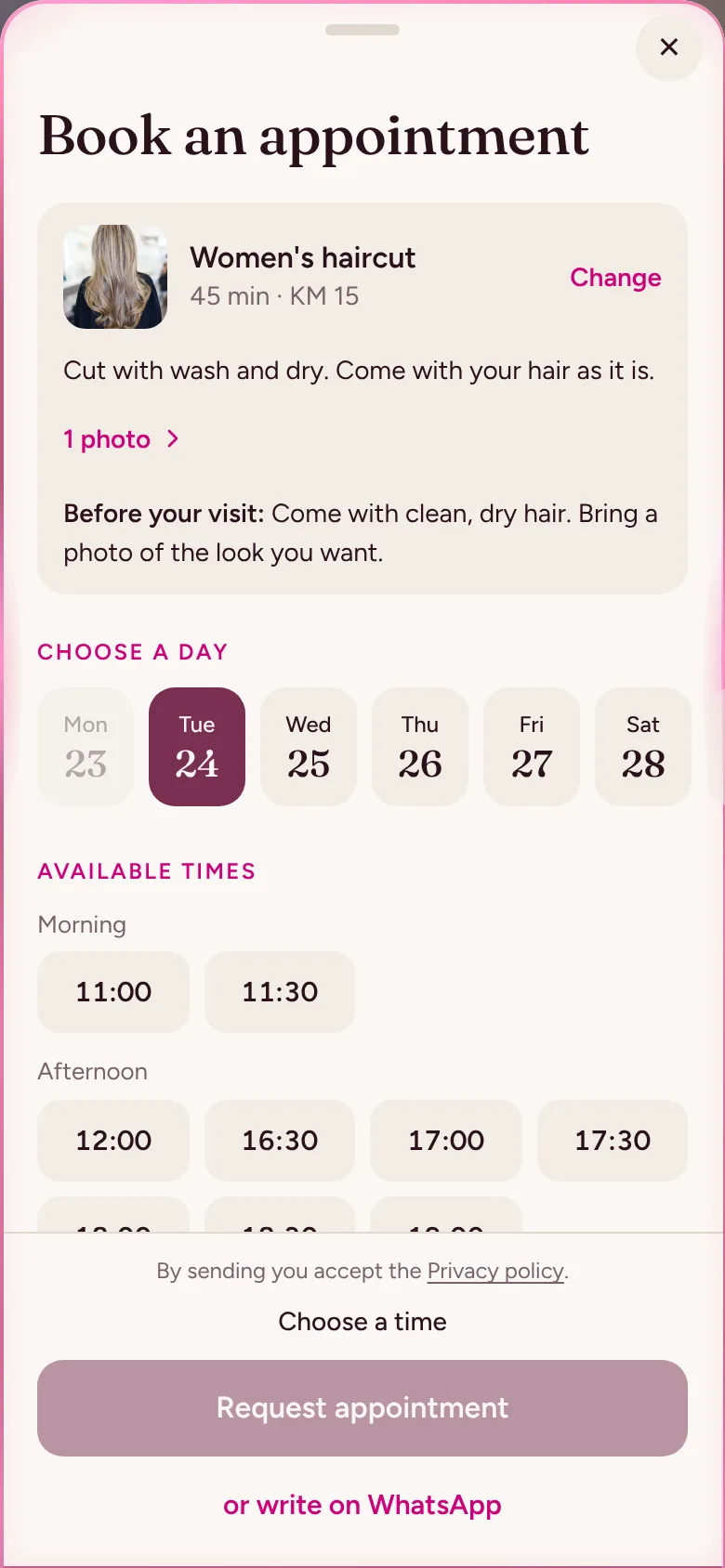
The client picks a time

A service, a day and an available time, then their name and mobile. No sign-up, no password.

A time that is taken is no longer offered.

The client picks a time
A real screenshot from the app

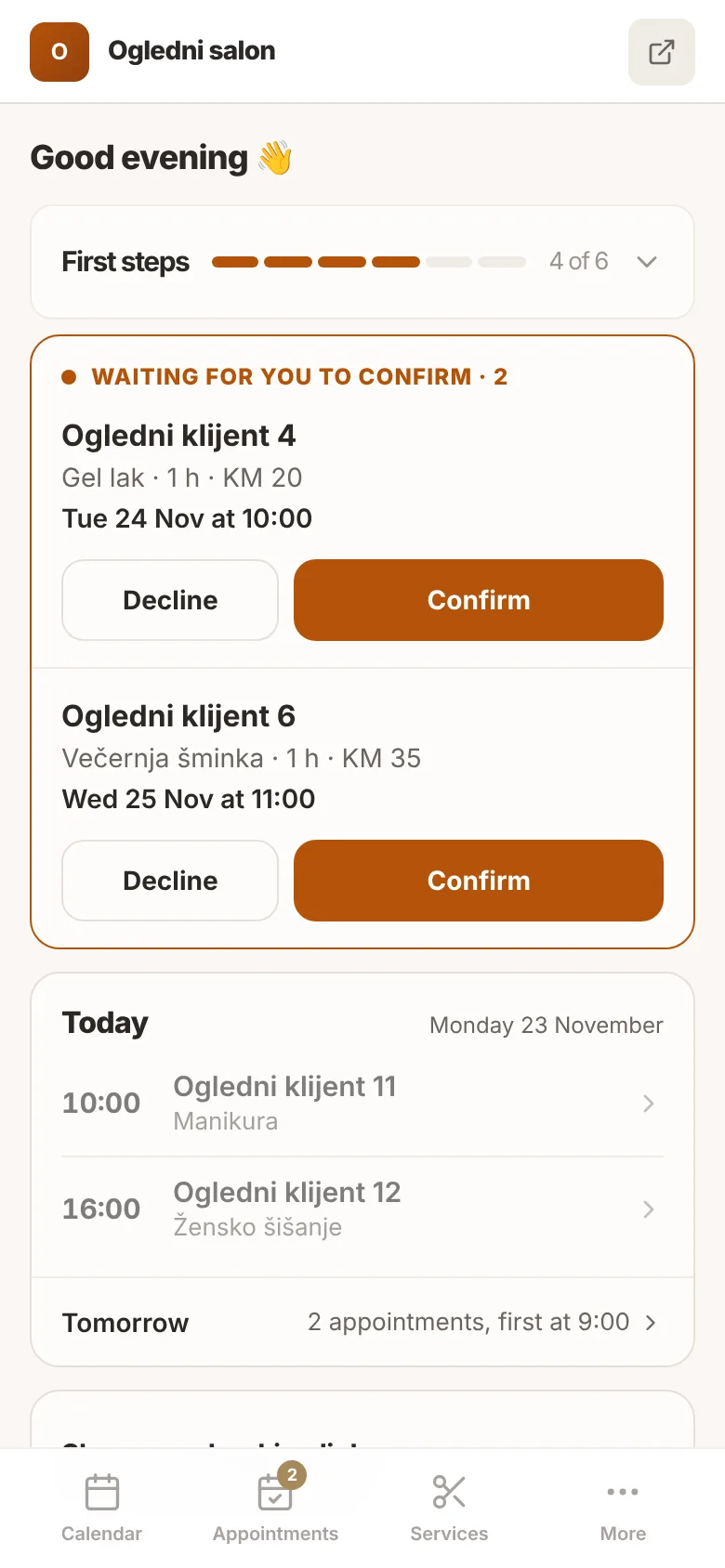
You confirm

You get a notice. Confirm or decline with one tap. If you prefer, let appointments confirm themselves.

A client who leaves an email gets the confirmation by email. Everyone sees it on their appointment page.

You confirm
A real screenshot from the app

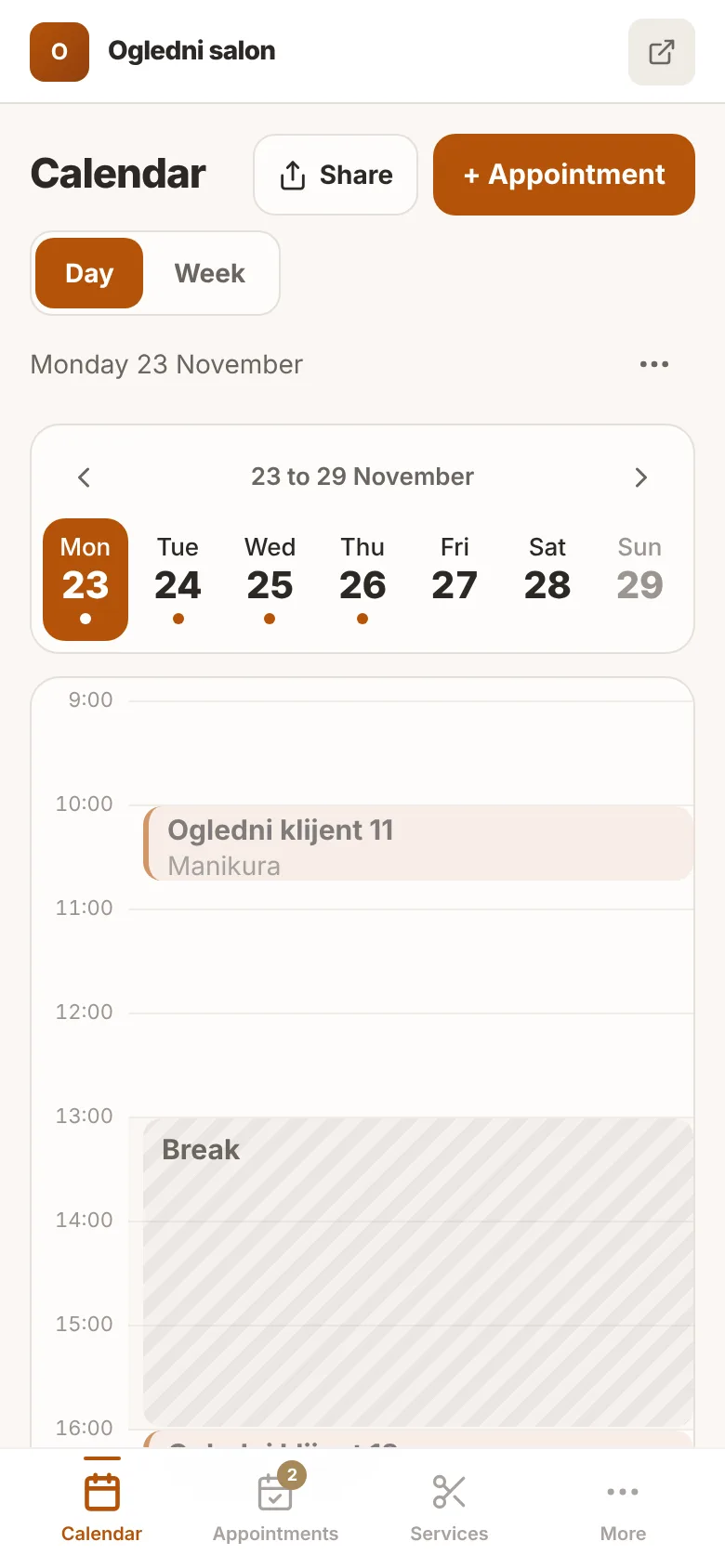
Your day by the hour

Who is coming and when. Appointments made by phone or message you add yourself, and you close your breaks.

Your day by the hour
A real screenshot from the app

Your dashboard

Appointments, calendar, services, photos, opening hours and page visits. From your phone or computer.

Do you arrange appointments by message?

Keep doing it. Add the appointment to your calendar and the page will no longer offer that time.

Founder price

89 €per year

Regular price 120 €

Founder price for the first 200 salons. You keep it when you renew.

14 days free. No card.

Try it freeWhat is included ›

Make your page

No sign-up until you create your page.

Add your work ›